![buildwitt-logo-light.svg]](https://info.buildwitt.com/hubfs/2022%20-%20BuildWitt/buildwitt-logo-light.svg)
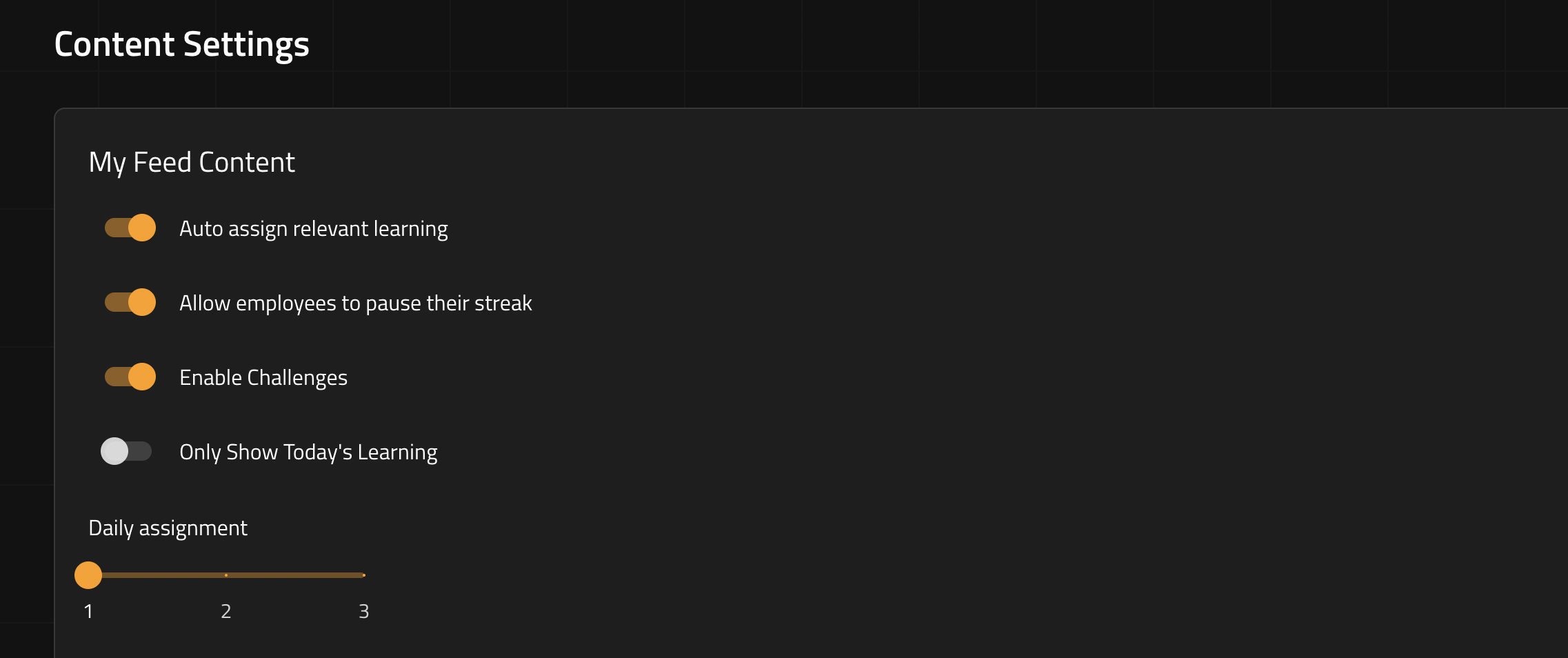
My Feed Content Settings
- Auto assign relevant learning — automatically assigns content based on relevance.
- Allow employees to pause their streak — lets employees pause their learning streak.
- Enable Challenges — turns on Challenges feature.
- Only Show Today's Learning — restricts Home to only the current day's assigned content.
- Daily Assignment Limit - sets the number of lessons delivered each day (1-3)
Managing Imported Libraries
- Under Imported Libraries, you'll see all currently active libraries (e.g., 1st Phorm, AGTEK, American Welding Society, BuildWitt, CDRMS, David Novak Leadership, GAME INC, HCSS, OnStation, Propeller, Rogue Collective, Searle Bros Construction Co, Sitech Intermountain, YouTurn Health).
- To remove a library, click the trash icon next to its name.
- To add or change libraries, click Modify Selection.