- As an admin, log in to improve.
- From the top navigation, select Content Manager.
- From the left hand menu select courses.
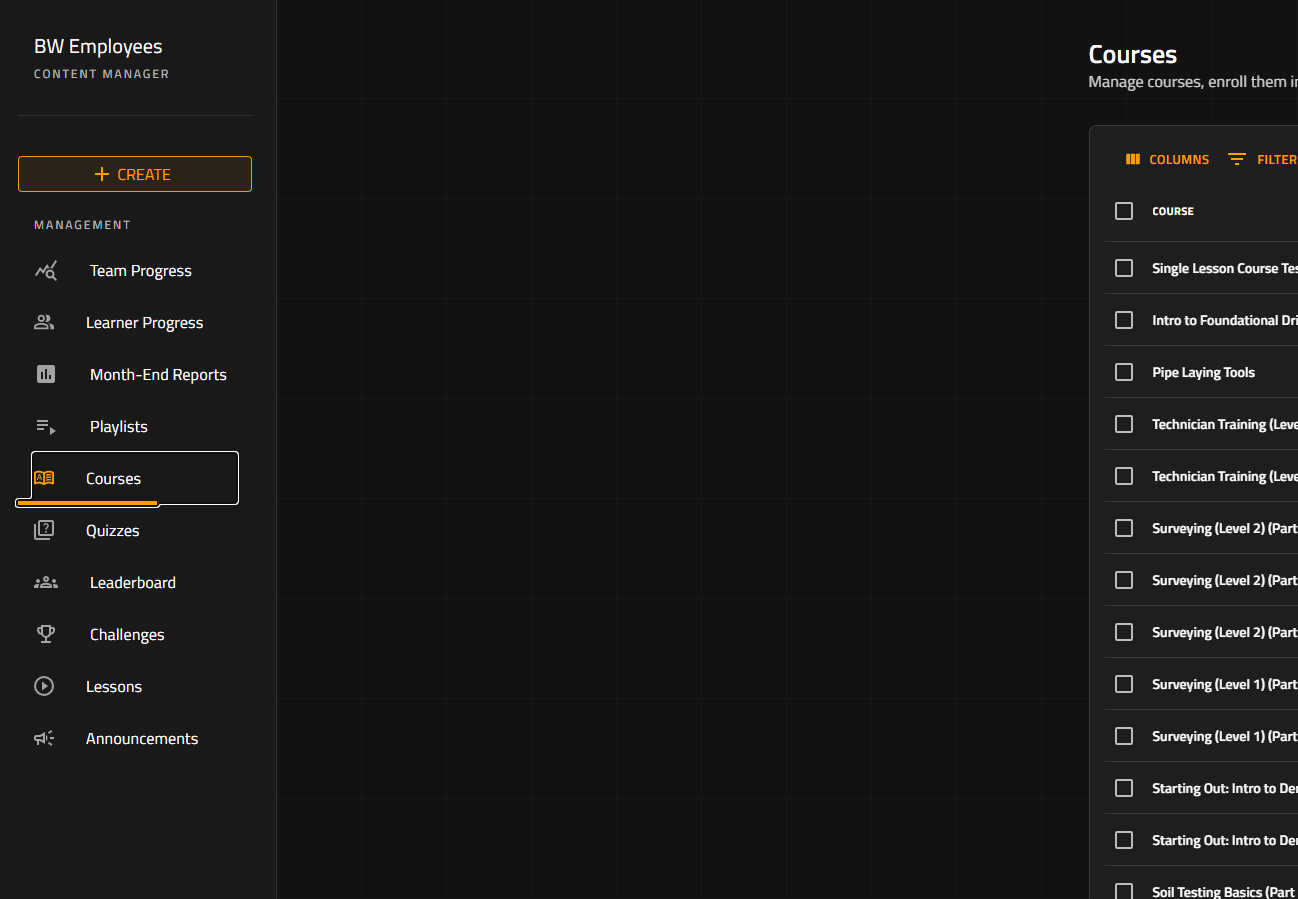
- To assign a specific lesson with a due date you can use the Lessons tab.
- Within the Courses tab select the course you want to manage the due dates for.
- After selecting the course navigate to the enrollment menu below the title of the course.

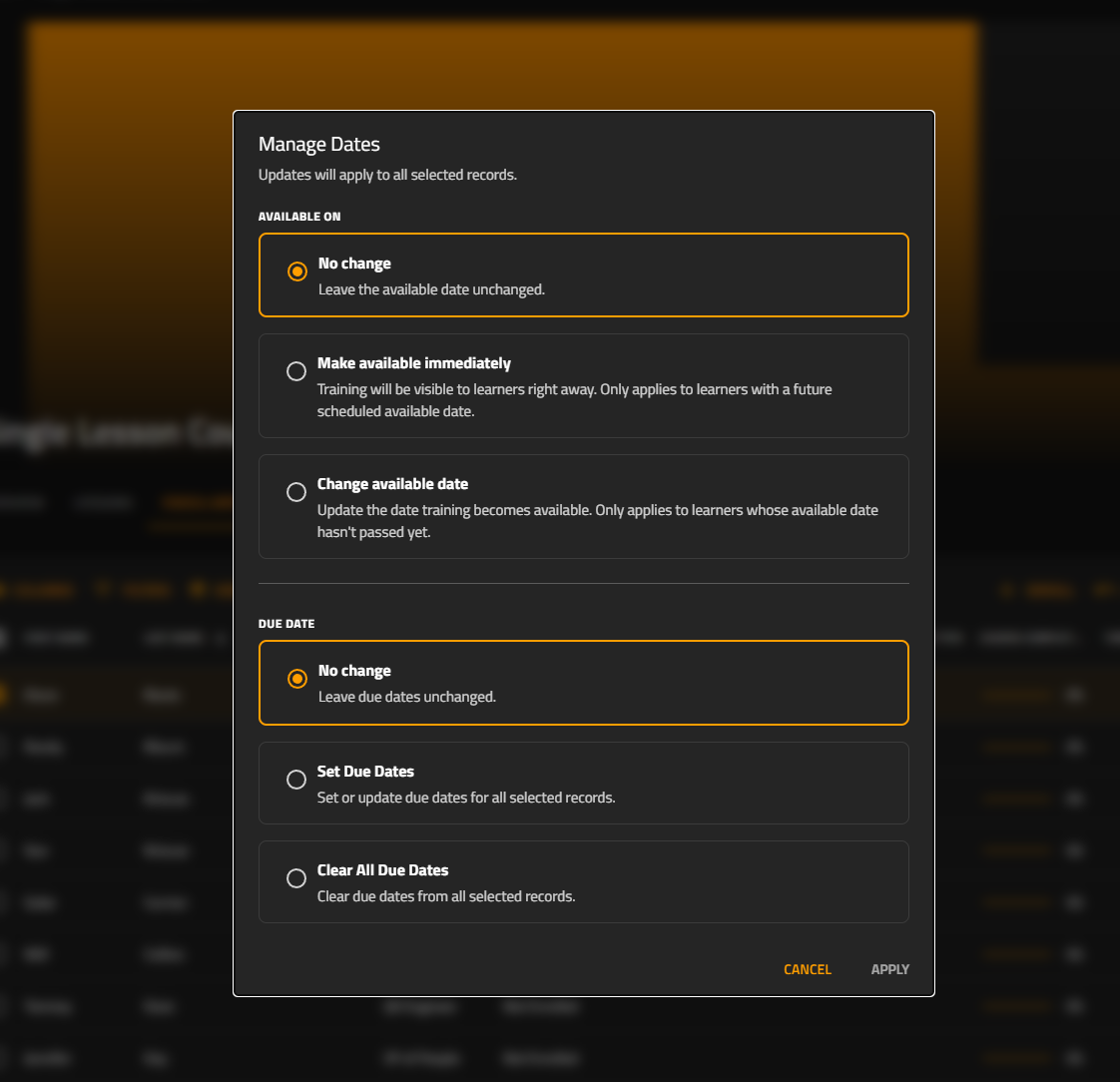
- In enrollment select the team member or members you want to manage their due dates for. Select the tab on the far right for Manage Dates.
- Within the Manage Dates menu you can change the date the course becomes available for selected team members or you can change/remove the due date.
English
![buildwitt-logo-light.svg]](https://info.buildwitt.com/hubfs/2022%20-%20BuildWitt/buildwitt-logo-light.svg)