![buildwitt-logo-light.svg]](https://info.buildwitt.com/hubfs/2022%20-%20BuildWitt/buildwitt-logo-light.svg)
- As an Improve Admin, log in to train.buildwitt.com
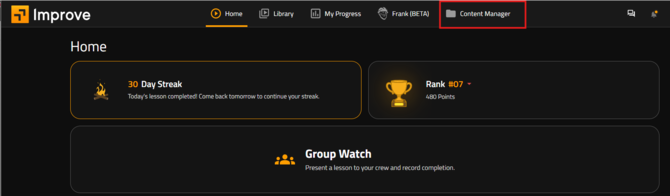
- Using the navigation bar at the top select content manager.
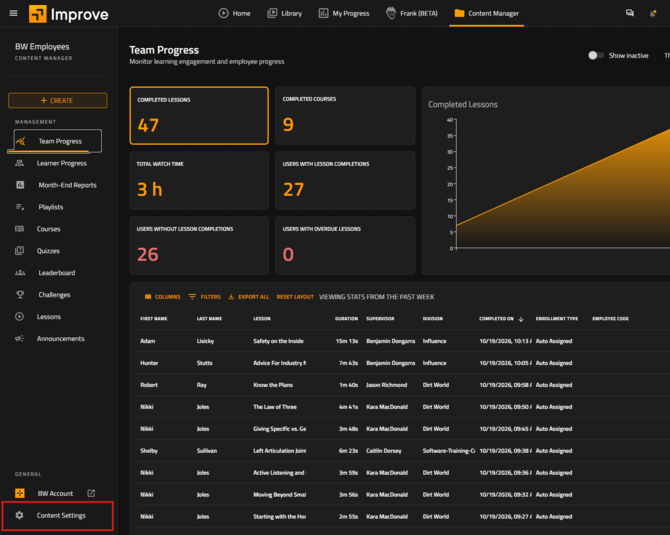
- Within content manager tab select content settings at the bottom left hand side.
- In content settings you can enable the feature to allow employees to pause their streak.
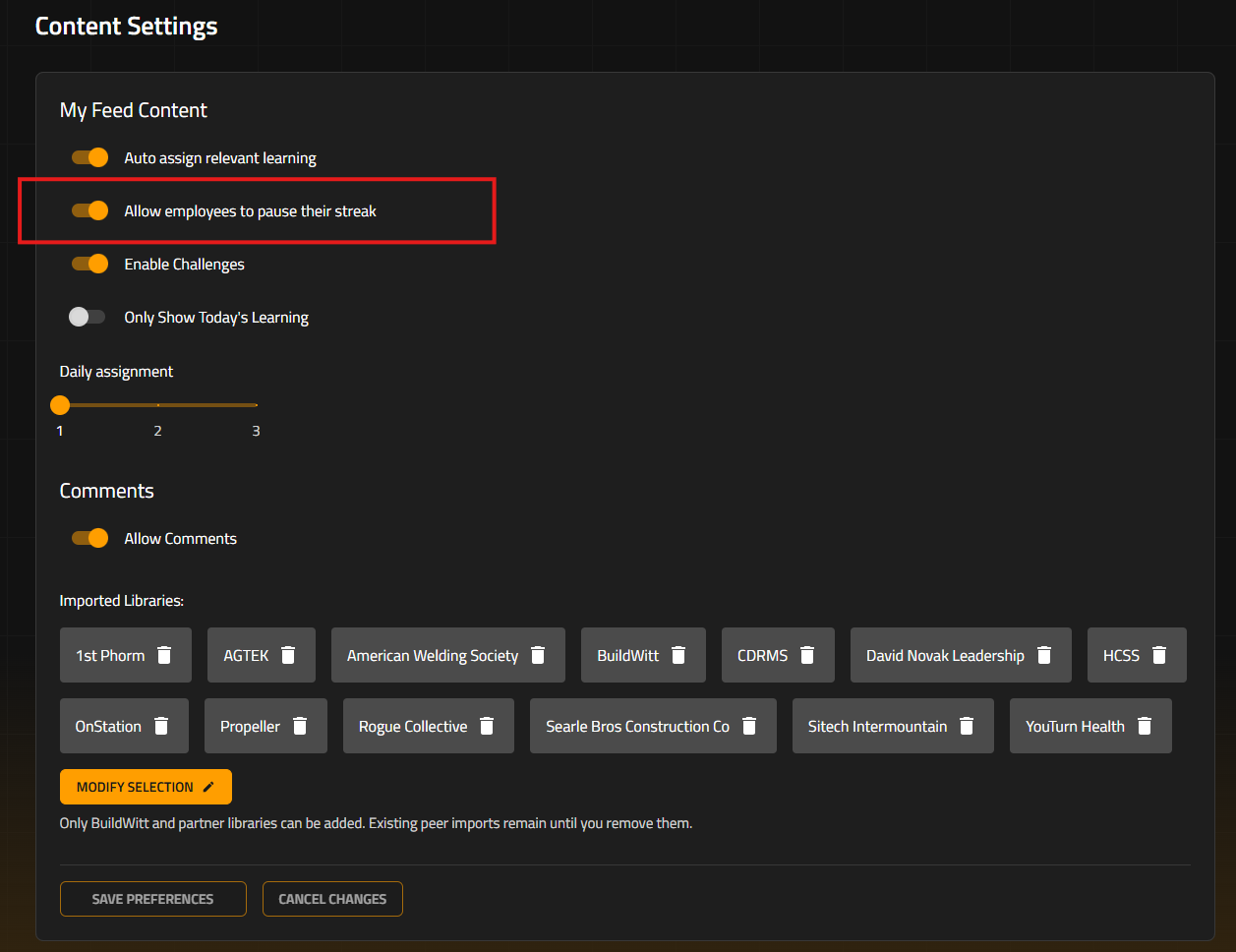
Enabling the pause streak will allow employees to pause their streak but it must be done manually by the employee. They will need to pause and resume their streak when they return from PTO or time off.