![buildwitt-logo-light.svg]](https://info.buildwitt.com/hubfs/2022%20-%20BuildWitt/buildwitt-logo-light.svg)
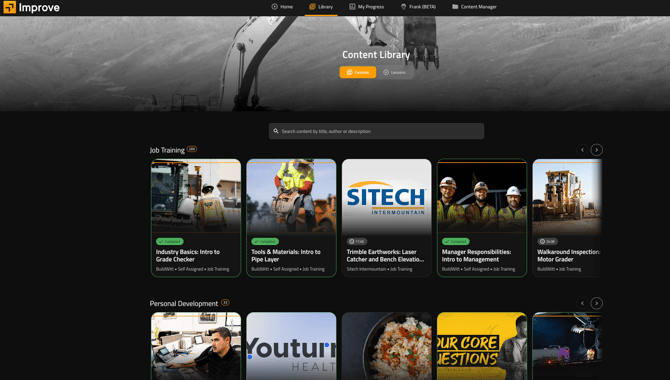
The Library has two toggles at the top: Courses and Lessons.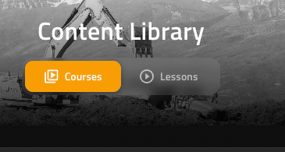
- Courses — full training courses made up of multiple lessons (default view).
- Lessons — individual lessons that can be watched on their own, without enrolling in the whole course.
Searching the Library
Use the search bar ("Search content by title, author or description") to find content by keyword or browse the content carousels to view content.
Enrolling in Content:
- Find a course or lesson using search or the content carousels.
- Click into the content card to open it.
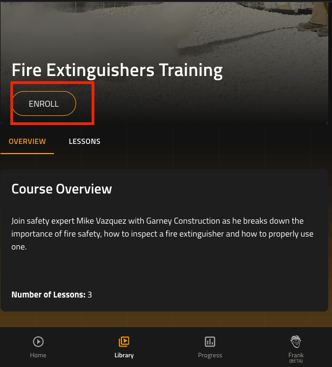
- Click Enroll.
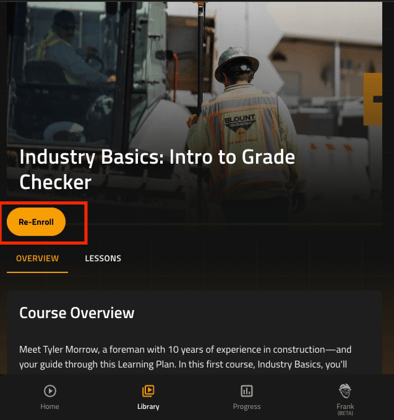
Re-Enrolling in Content
- Open a course or lesson you've already completed.
- Click Re-Enroll.
- Complete the content again to earn additional completion credit.