![buildwitt-logo-light.svg]](https://info.buildwitt.com/hubfs/2022%20-%20BuildWitt/buildwitt-logo-light.svg)
Creating a Course in Content Manager
- Log in to train.buildwitt.com on desktop.
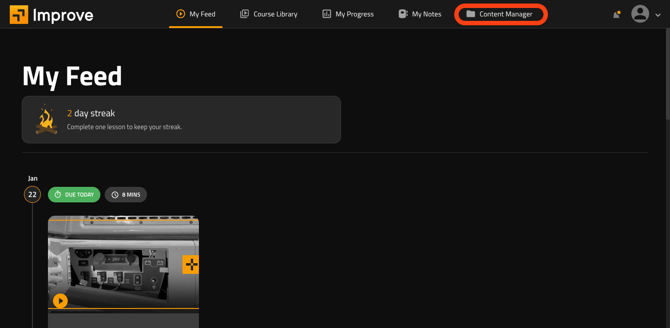
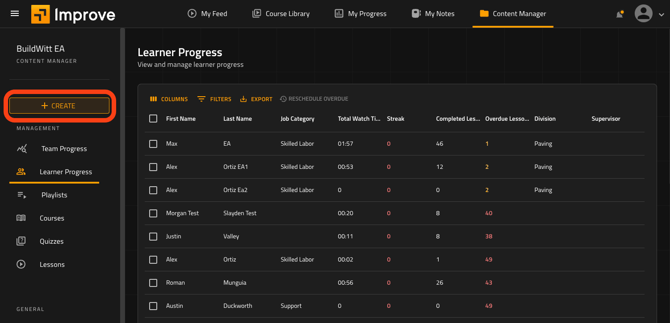
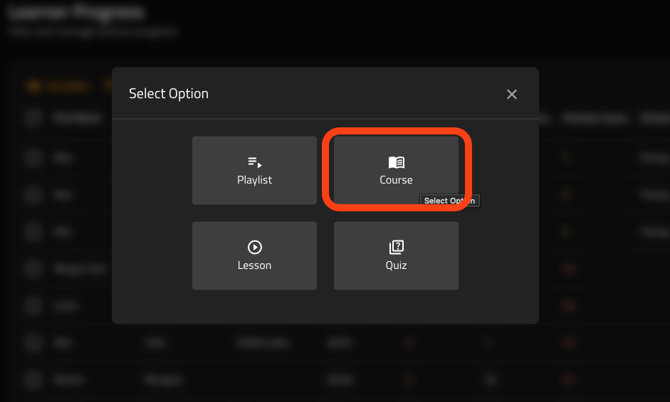
- Click on Content Manager from the top of your screen. This is an ADMIN function, requiring the user be an Administrator in BuildWitt Improve in order to access Content Manager and also when creating content.
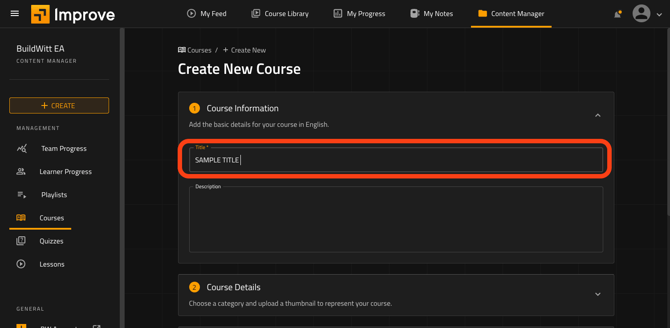
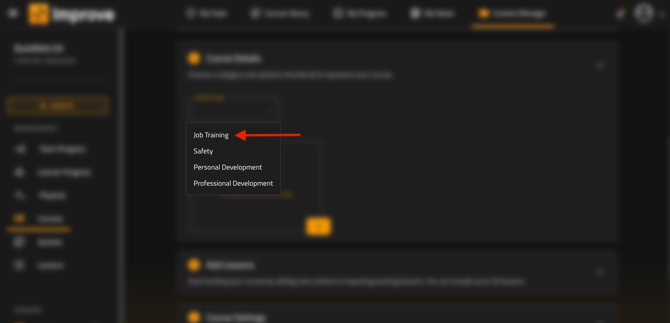
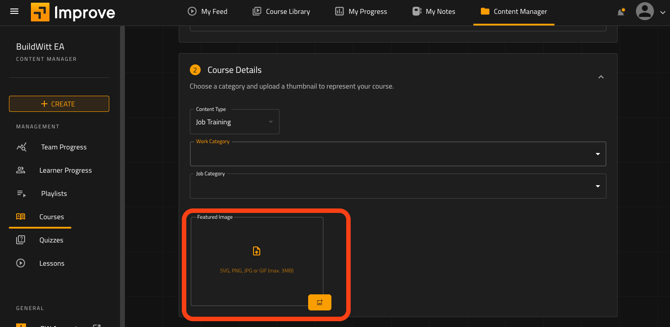
7. You will need to upload a Featured Image to be tied to your course, using an SVG, PNG, JPG, or GIF file (max 3MB).
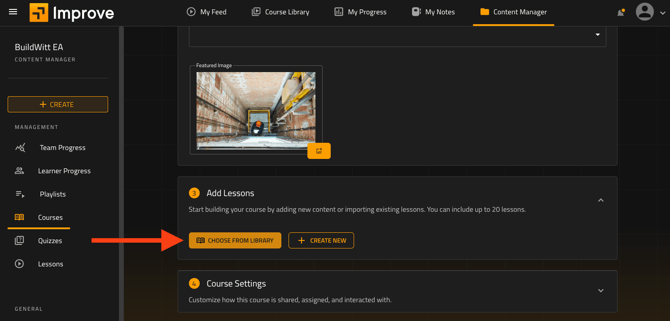
8. You can now add Lessons within the course in the next box, choosing from the BuildWitt Improve Library, or creating your own.
1. Click Choose from Library
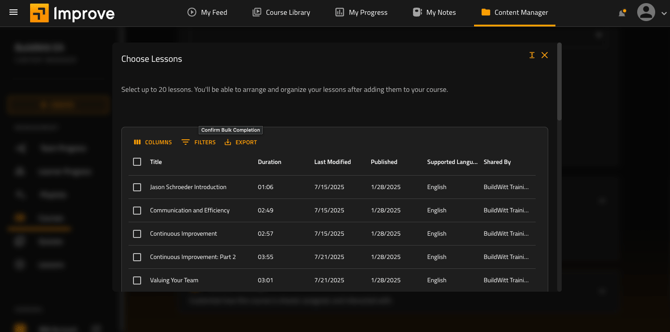
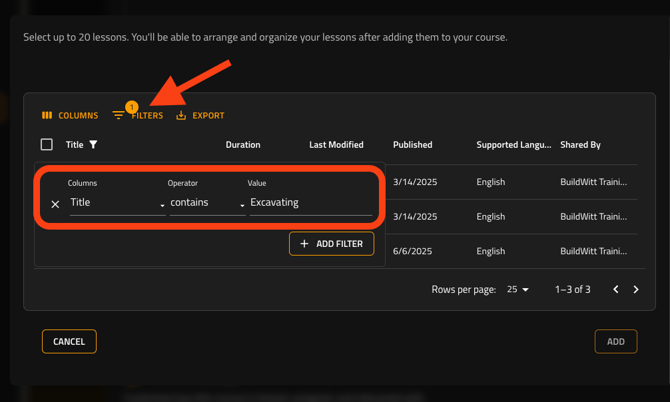
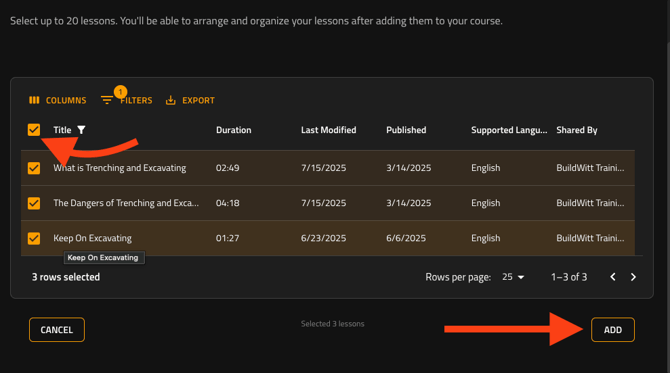
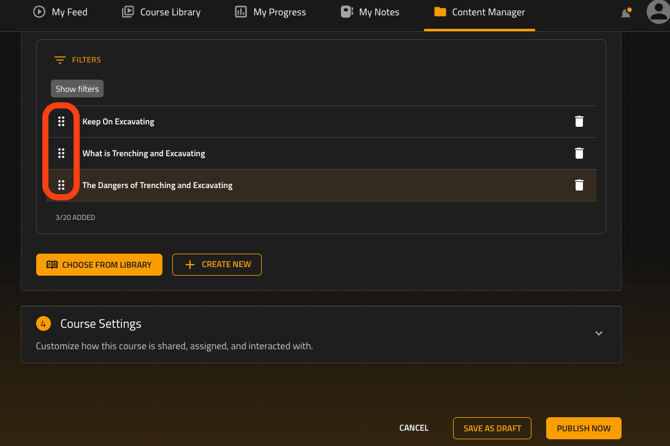
5. You also have the option to select the order of Lessons by selecting the six boxes to the left of the title, and dragging them up or down.
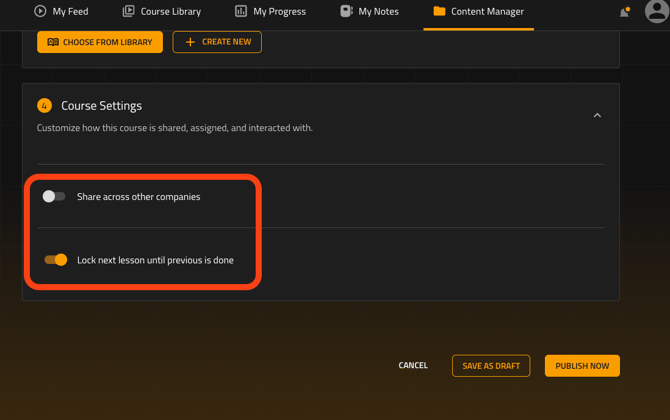
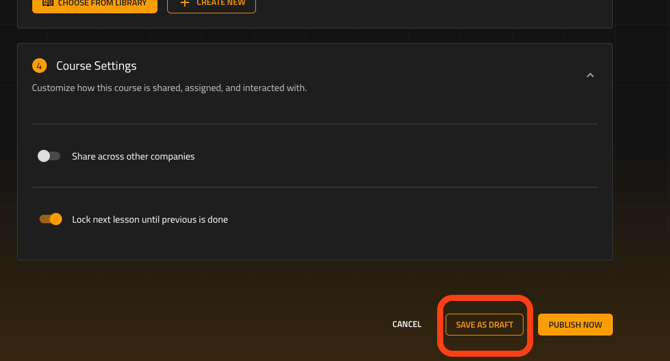
- “Share across other companies”. This option makes your content publicly visible to all other BuildWitt Improve customers.
- “Lock next lesson until previous is done.” This option will force users to complete lessons before moving on to the next available lessons within your created Course in the intended sequence.
10. Click “SAVE AS DRAFT”.
///////////////////////////////////////////////////////////End/////////////////////////////////////////////////////